I used to spend too much time adjusting layouts inside PowerPoint.
So I decided to try Gamma after seeing how many people were using it for fast presentations and reports.
What surprised me most was how different the workflow felt compared to traditional presentation software.
Instead of starting with blank slides, Gamma starts with ideas and structure first.

Step 1: Creating a Presentation With AI
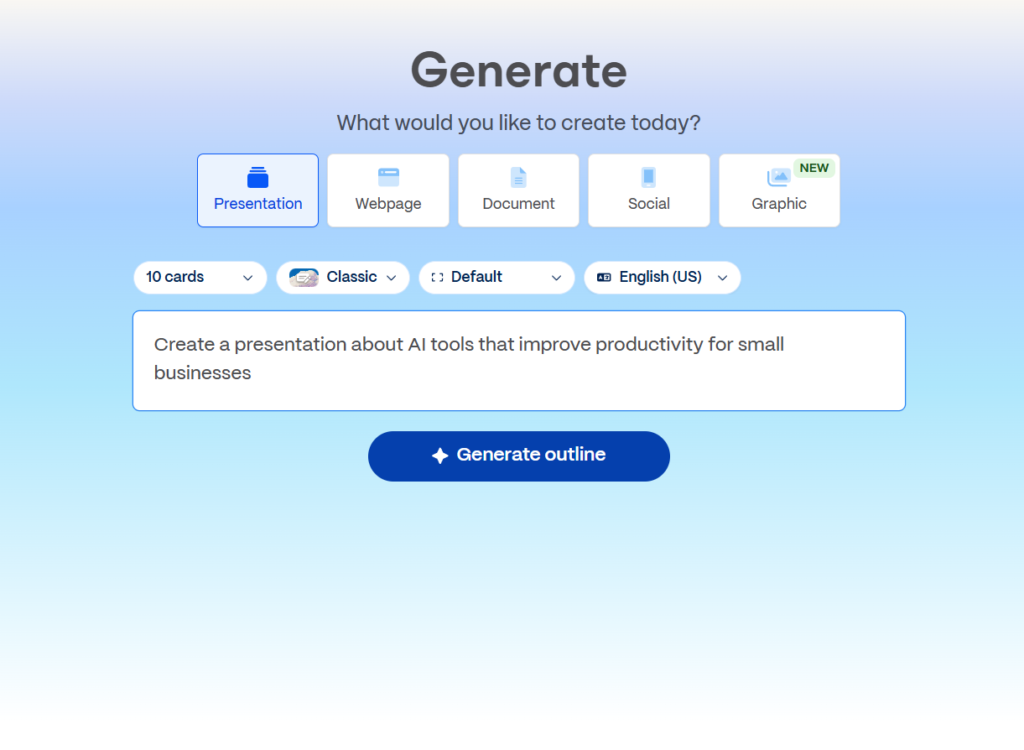
The first thing Gamma asks is what you want to create.
This already feels different from traditional presentation software.
Instead of manually building slides one by one, Gamma allows users to describe their topic using simple prompts.
For example:
- startup pitch deck
- AI productivity presentation
- marketing strategy report
- educational presentation
- project summary
and many other formats.
I tested a simple AI productivity topic first.
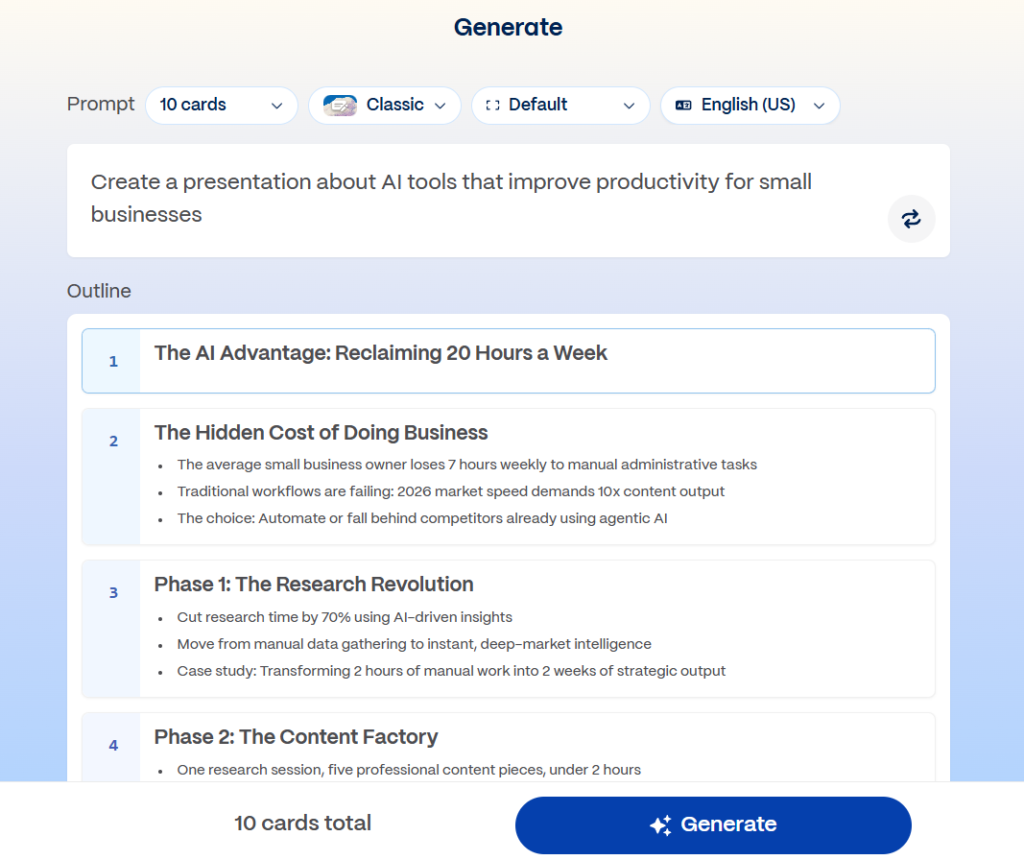
After entering the prompt, Gamma automatically generated:
- titles
- sections
- layouts
- content structure
- and visual organization
within a short time.
Step 2: Generating the First Draft
One thing I noticed very quickly was how much faster the starting process became.
Normally, the beginning of presentation work is where I waste the most time.
Things like:
- choosing layouts
- organizing sections
- deciding slide order
- adjusting spacing
- and fixing visual balance
usually take longer than expected.
Gamma removes a large part of that process automatically.
Instead of starting with design adjustments, I could immediately focus on:
- ideas
- information
- and presentation flow.
That makes the workflow feel much lighter.
Step 3: Editing the Presentation
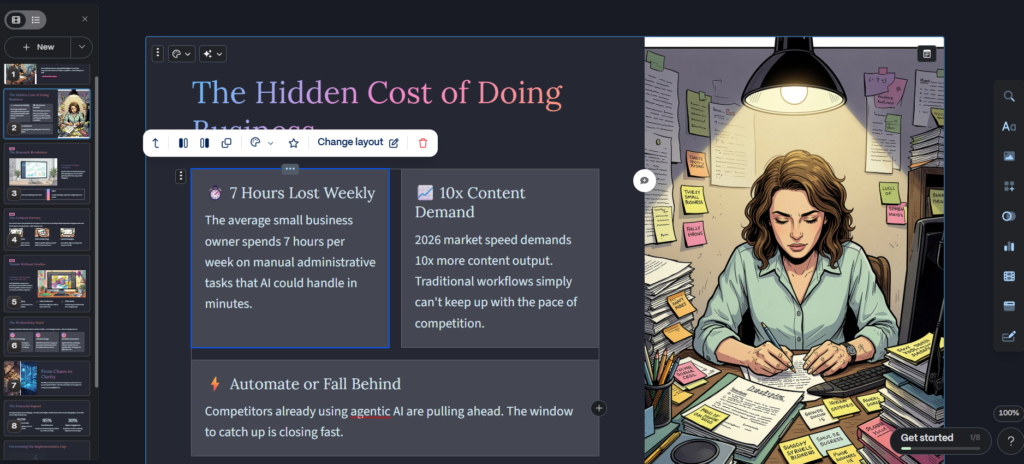
After the AI generated the presentation, I started editing the content manually.
This was the part I expected to become frustrating, but surprisingly the editing process felt fairly simple.
Most elements can be adjusted quickly by clicking directly on them.
For example, users can:
- rewrite text
- change layouts
- insert images
- move sections
- add cards
- and customize themes
without needing advanced presentation skills.
Compared to traditional slide software, the editing experience feels much more modern and flexible.
Step 4: Understanding the Workflow
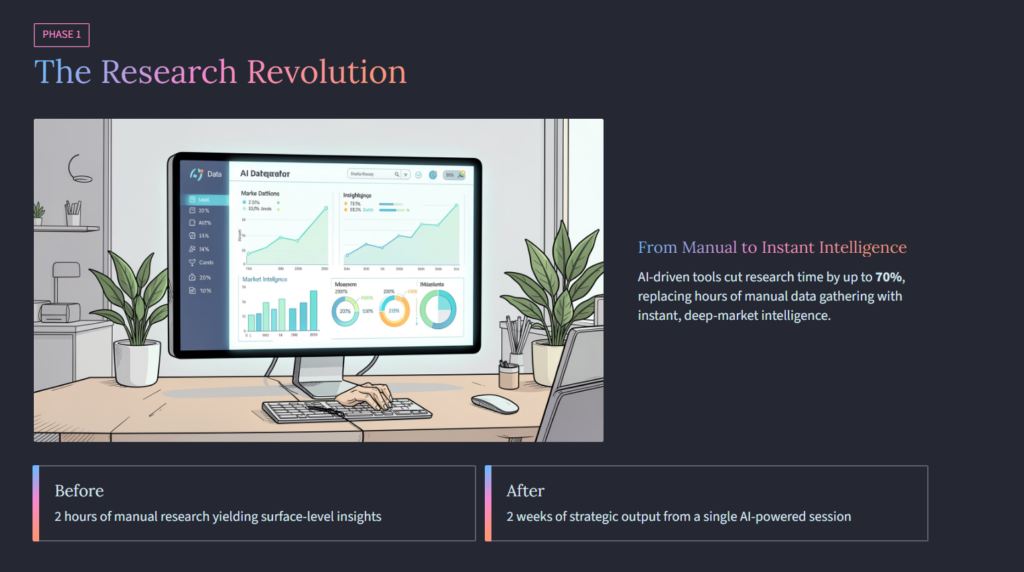
Another interesting part was how Gamma feels less focused on individual slides and more focused on content flow.
Traditional presentation tools often make users think slide by slide.
Gamma feels more like:
- a document
- a webpage
- and a presentation
combined together.
That makes reorganizing information feel much more natural.
Especially for:
- reports
- summaries
- educational materials
- and startup presentations
the workflow feels surprisingly efficient.
Step 5: Using the AI Rewrite Tools
One feature I ended up using more than expected was the AI rewrite and editing tools.
Sometimes the automatically generated text sounded too generic, so I started modifying sections manually.
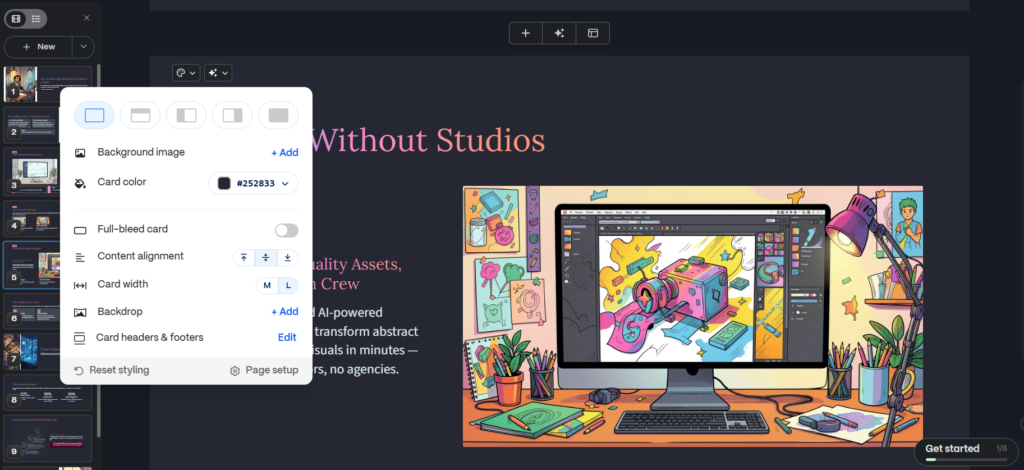
Gamma allows users to:
- shorten content
- expand explanations
- rewrite sections
- adjust tone
- and reorganize information
fairly quickly.
This became useful when cleaning up presentations for more practical use.
Instead of rebuilding slides manually, I could refine existing content much faster.
Step 6: Exporting and Sharing
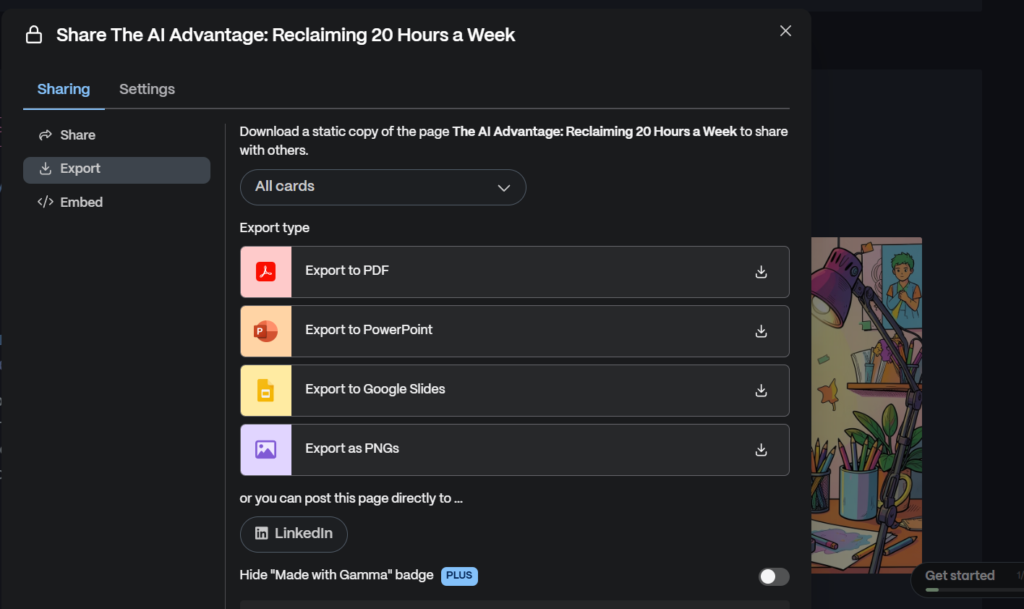
After finishing the presentation, Gamma makes sharing fairly simple.
Users can:
- share presentations with links
- export content
- present directly
- or collaborate with others
without needing complicated setup.
This makes Gamma useful not only for presentations, but also for:
- internal reports
- startup documentation
- educational material
- and quick idea sharing.
What I Liked Most About Gamma
The biggest thing I liked was how much mental friction disappeared during the workflow.
Traditional presentation software often makes users spend too much time adjusting visuals manually.
Gamma reduces a large part of that process automatically.
Instead of constantly fixing layouts, I spent more time focusing on:
- structure
- clarity
- ideas
- and communication.
That difference became more noticeable the longer I used it.
Things That Still Need Improvement
Gamma is not perfect.
Some layouts can feel repetitive, and certain AI-generated sections still need manual editing.
If someone needs:
- highly customized branding
- detailed animations
- or advanced visual control
traditional presentation tools may still be stronger.
But for:
- fast reports
- startup decks
- educational presentations
- summaries
- and lightweight business communication
Gamma feels surprisingly efficient.
Especially for people who want to spend less time manually formatting slides.
Frequently Asked Questions
Is Gamma AI free?
Gamma offers a free plan with limited usage and additional paid features.
Is Gamma better than PowerPoint?
It depends on the workflow. Gamma feels faster and more modern for quick presentations, while PowerPoint still offers deeper manual control.
Can beginners use Gamma?
Yes. The interface is relatively simple and much less intimidating than traditional presentation software.
Does Gamma use AI?
Yes. Gamma includes AI-powered presentation generation, rewriting, outlining, and content organization tools.
What is Gamma mainly used for?
People use Gamma for:
- presentations
- reports
- startup pitches
- educational materials
- and visual idea sharing.